Choosing a Cloud Server for Your New Web Application
Understanding What You Actually Need
When you start building a new web application, the choice of cloud server can feel overwhelming. You have dozens of providers, hundreds of configurations, and endless marketing claims. The trick is to ignore most of the noise and focus on what your application actually requires at launch and how it might grow over the next few months.
This is not about picking the cheapest option or the most powerful machine. It is about matching the server's resources to your workload, your team's skill level, and your expected traffic patterns. The right choice saves you money and headaches. The wrong one wastes time and slows down development.
Start With Your Application's Resource Profile
Before you look at any server plans, you need to know what your application demands. A static site built with a lightweight framework uses very little CPU and memory. A data-heavy application with background jobs, image processing, or real-time features uses a lot more. You can estimate this by running your application locally with a representative dataset and monitoring system resource usage.
Pay attention to memory allocation first. Many new applications run out of RAM before they run out of CPU cycles. If your application uses a database, caching layer, or multiple background processes, each one needs its own share of memory. A good rule is to start with enough memory to run your application stack comfortably, then add 25 to 50 percent headroom for unexpected spikes.
CPU cores matter for parallel tasks. If your application handles multiple simultaneous requests, serves an API, or runs scheduled jobs, more cores help. But a single-core server can handle a surprising amount of traffic if the code is efficient and the workload is I/O-bound. Do not overspend on cores if your application spends most of its time waiting on database queries or network calls.

Storage Type and Volume
Storage is not just about capacity. The type of storage volume you choose affects both performance and cost. Traditional hard disk drives (HDDs) are cheap and fine for archival data, but they are slow for frequent reads and writes. Solid-state drives (SSDs) are faster and better suited for application data, databases, and caching. For most new web applications, an SSD-based volume is the practical minimum.
Consider how much data your application will store and how quickly it grows. A small blog or a marketing site may use only a few gigabytes. A SaaS product with user-uploaded files, logs, and database snapshots can quickly need hundreds of gigabytes. You can usually start with a modest volume and resize later, but some providers make resizing easier than others. Check whether your chosen provider supports volume expansion without downtime or if you need to migrate to a new volume.
Operating System and Server Image
The operating system you choose sets the foundation for everything else. Most cloud servers let you pick from a library of server images pre-configured with a Linux distribution. Ubuntu, Debian, CentOS, and Rocky Linux are common choices. Pick the one your team knows best. If you are new to Linux, Ubuntu is widely used and has excellent documentation.
Some providers offer one-click application images that bundle a Linux distribution with a specific stack, such as LAMP, Node.js, or Docker. These can save setup time, but they often include software you do not need. A lean, minimal install gives you more control and reduces the attack surface. Start with a base image and install only what your application requires.
Networking and Security Basics
Once the server is up, you need to secure it. The first step is to configure SSH access with key-based authentication, not passwords. Password logins are a common target for automated attacks. Disable root login over SSH and create a separate user account with sudo privileges.
Firewall rules are your next line of defense. Only open the ports your application actually uses. For a typical web application, that means port 80 for HTTP, port 443 for HTTPS, and a custom port for SSH. Block everything else. Many providers offer a simple web-based firewall tool, but you can also configure iptables or ufw directly on the server.
Regular updates are part of security. Set up automatic security updates for your Linux distribution, or schedule a weekly check. A server that runs outdated software is an invitation for trouble.
Scaling and Flexibility
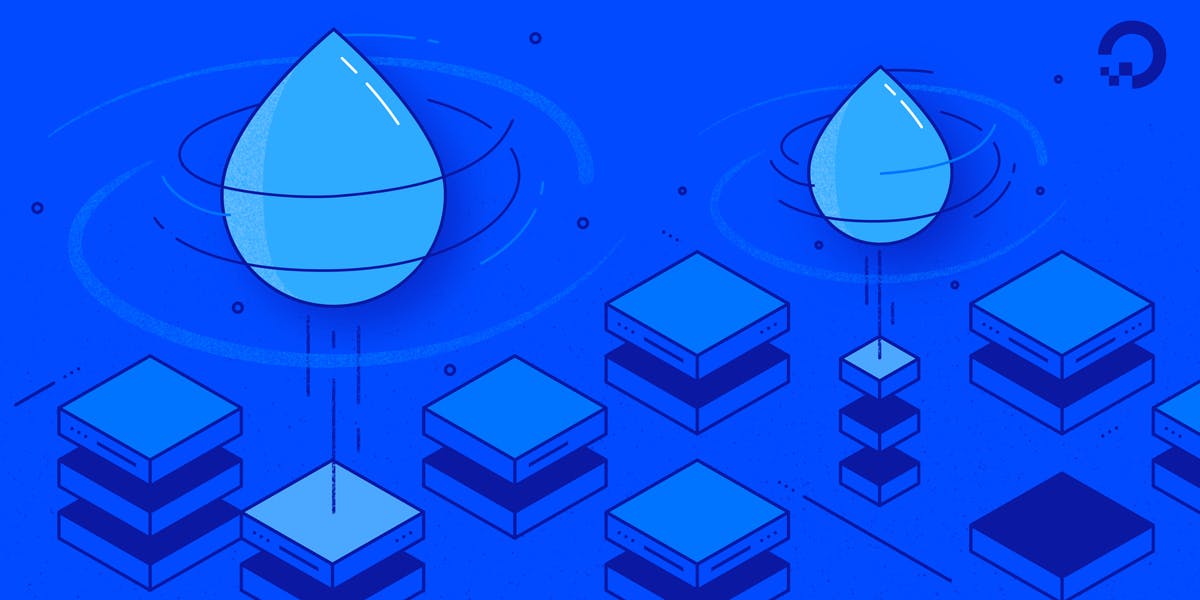
Your first server configuration will not be your last. Applications grow, traffic patterns change, and you learn what your workload actually needs. Choose a provider that makes it easy to change your server's resources. Some let you resize the virtual machine with a few clicks. Others require you to create a new server and migrate your data.
When you are ready to scale, you have options. Vertical scaling means upgrading the same server with more CPU, memory, or storage. Horizontal scaling means adding more servers behind a load balancer. Most applications start with vertical scaling because it is simpler. If your application is stateless, horizontal scaling becomes a natural next step.
DigitalOcean offers a developer community profile that provides access to technical tutorials, questions, answers, documentation, and cloud development resources. This kind of community support can be invaluable when you hit a problem you have not seen before. Being able to search for solutions or ask questions saves time compared to digging through official documentation alone.
Monitoring and Maintenance
After deployment, you need to know what your server is doing. Set up basic monitoring for CPU usage, memory usage, disk space, and network traffic. Many providers include simple monitoring dashboards. For deeper insight, tools like Netdata, Prometheus, or Grafana can show you trends over time.
Watch for patterns. If memory usage climbs steadily over days, you may have a memory leak. If disk space fills up faster than expected, check log rotation and temporary files. Catching these issues early prevents outages.
Backups are not optional. Automate regular backups of your database and application data. Store backups on a separate volume or a different service. Test your restore process at least once. A backup that you cannot restore is worthless.
Making the Final Decision
By now you have a clear picture of your application's resource needs, your preferred operating system, and the security and scaling features that matter. Compare a few providers side by side on these criteria, not on marketing slogans. Look at the control panel, the ease of resizing, the quality of documentation, and the community around the platform.
DigitalOcean tutorials and community discussions can help you fill in gaps in your knowledge. Whether you are configuring a firewall for the first time or tuning a database, having a reliable reference makes the process smoother.
Start simple. Pick a server with enough memory and storage, a modern Linux distribution, and a provider that lets you grow without painful migrations. You can always upgrade later. The important thing is to get your application running, learn from real usage, and adjust as you go.